


- New
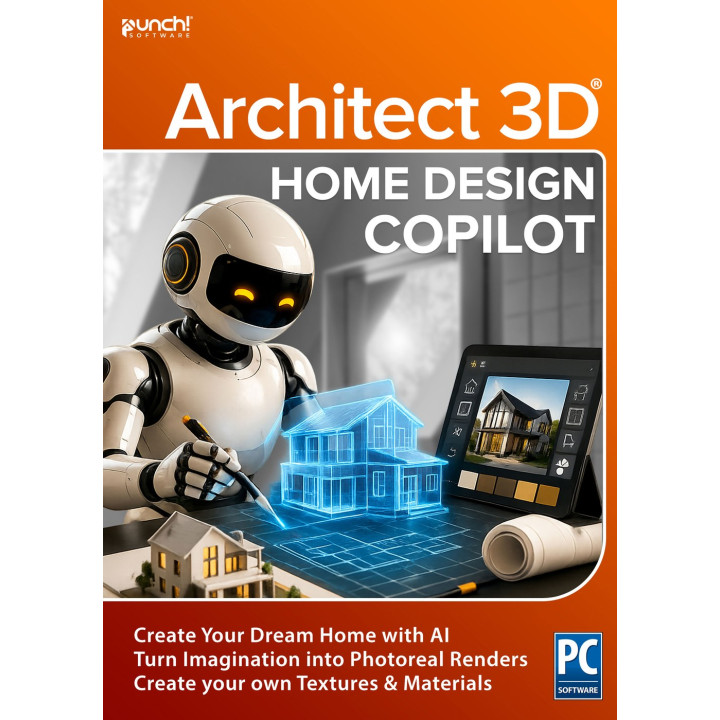
Home Design Copilot images
Home Design Copilot
1-year term licence. Includes a monthly credit allowance for Copilot’s AI features; credit limits and usage restrictions may apply.
An AI workspace inside your project
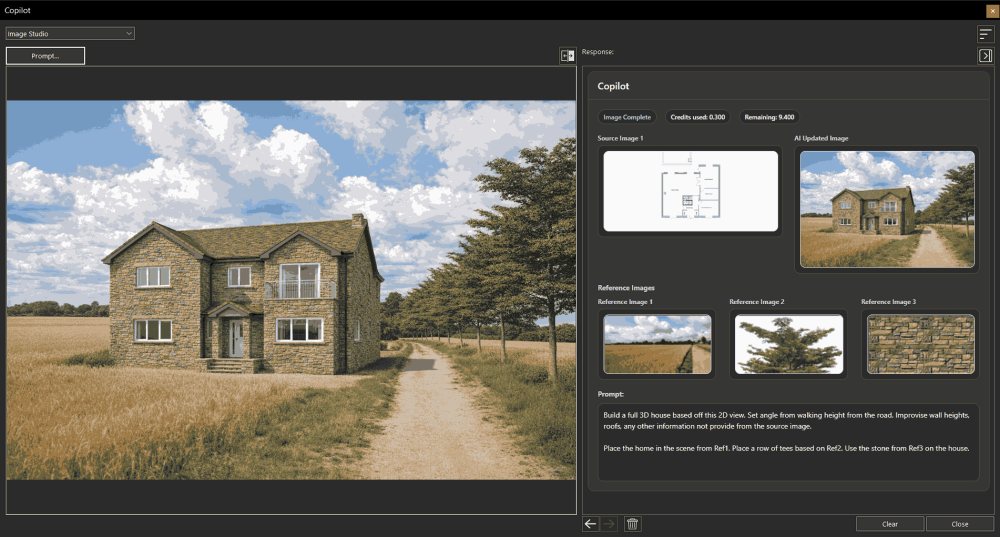
The fastest way to see what comes next is to ask. Home Design Copilot adds a prompt-driven workspace to ARCHITECT 3D for visualisation, image creation, product help, texture and plant generation, and design exploration — without leaving the project you are working on.
Start from a 2D plan, a 3D view, a rendering, a source image, or a plain-language prompt. Guide the result with reference images, material direction, lighting notes, style cues or location ideas. Images stay in history, so you can compare where a thought went and come back to an earlier one.
Key features
- Image Studio
- Enhance renderings, transform views, and build fresh visual directions from natural-language prompts.
- Asset creation
- Generate plants and materials with AI, then import them straight into your User Library.
- Help & ideas
- Ask product help questions, or broader design questions, without stepping out of the workflow.
- Explore mood
- Compare daylight, dusk and other presentation-ready looks within the same project.
- Refine viewpoint
- Try alternate angles, including realistic aerial perspectives, without remodelling.
- Adjust style
- Make a polished concept image for a presentation, or a looser one for an early review.
- Preserve design intent
- Enhance materials, atmosphere and context while keeping the project recognisable.
What that looks like in practice
Rendering gets an imagination layer
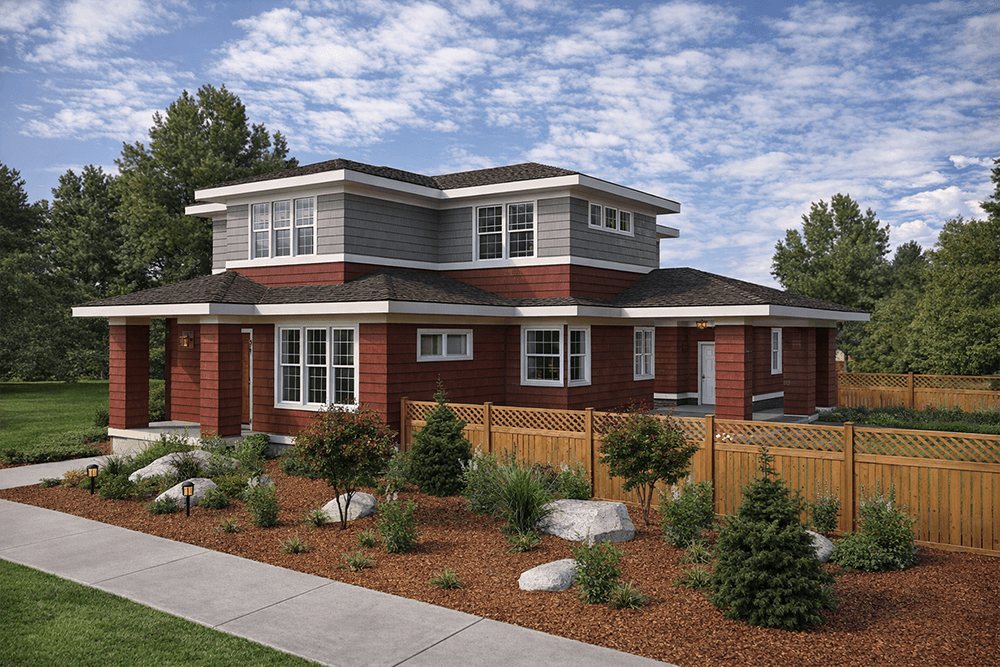
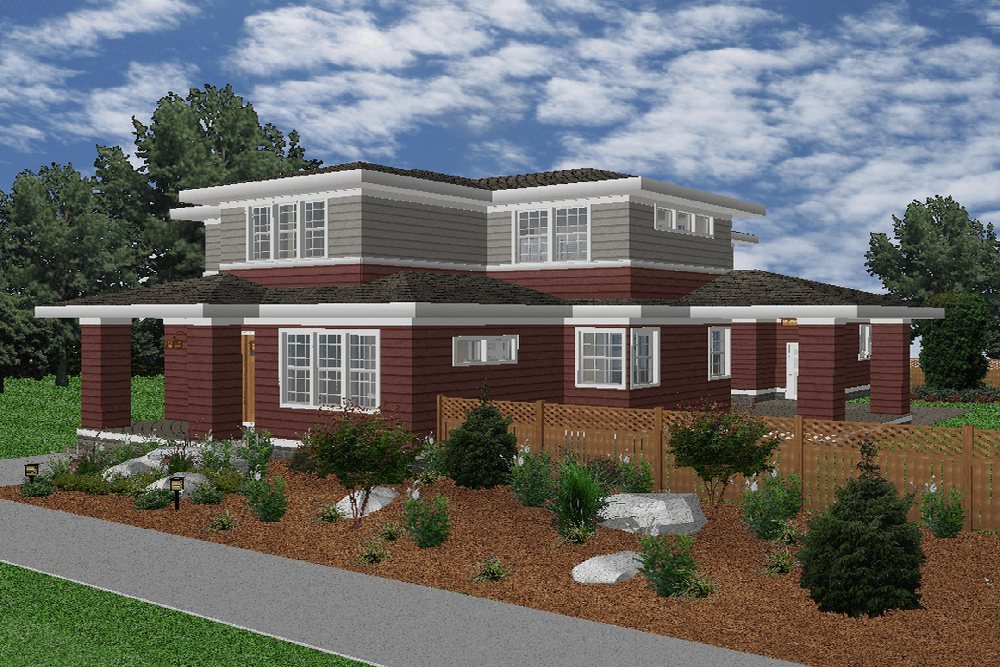
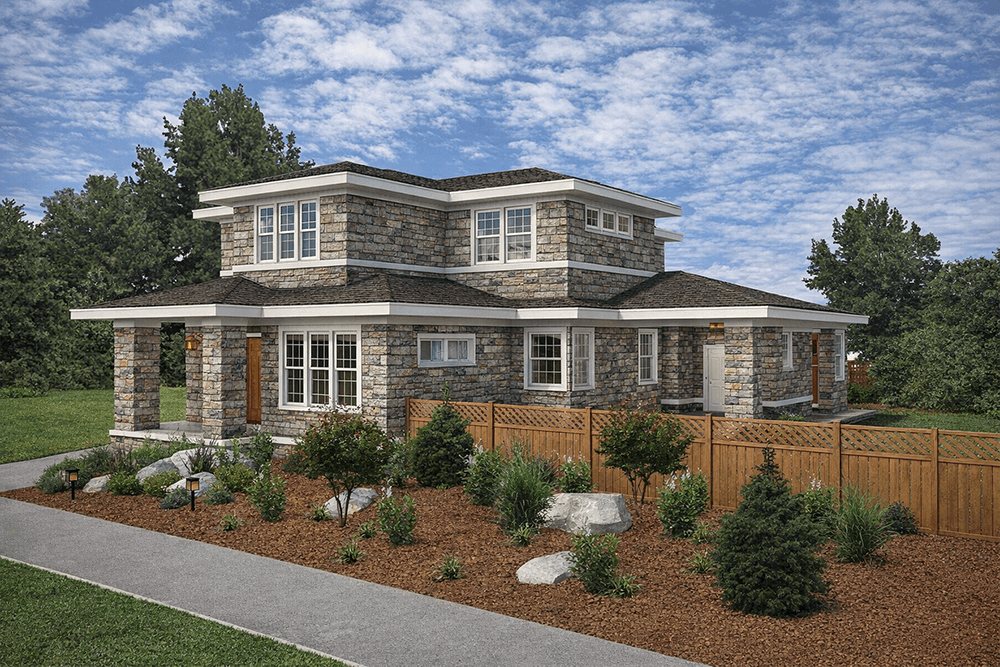
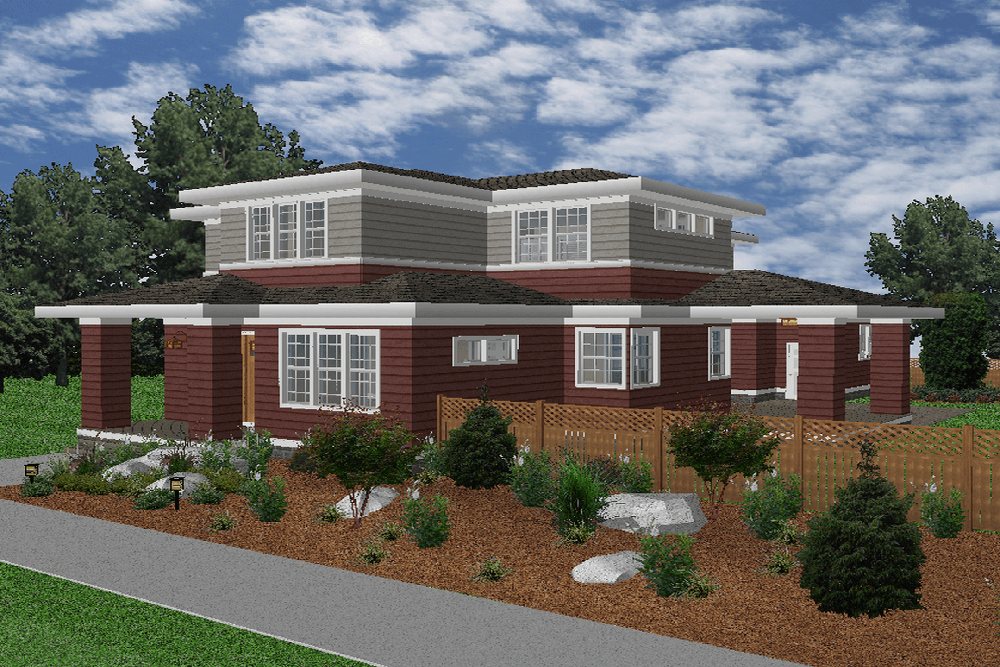
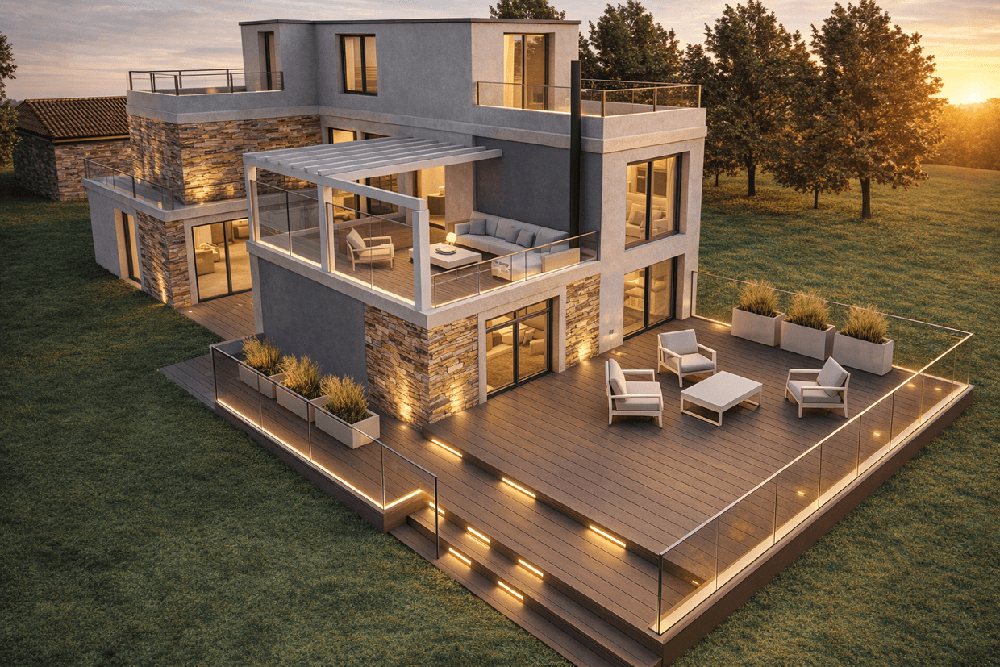
A prompt can turn a working rendering into a presentation image. The structure of your view is kept while light, materials, landscaping and photographic depth are enhanced, so a client sees the idea rather than the model.
Reference-guided material changes
Pair a source image with one or more visual references and the exact finish you specify is applied, with the structure of the design left alone.
Plans become places
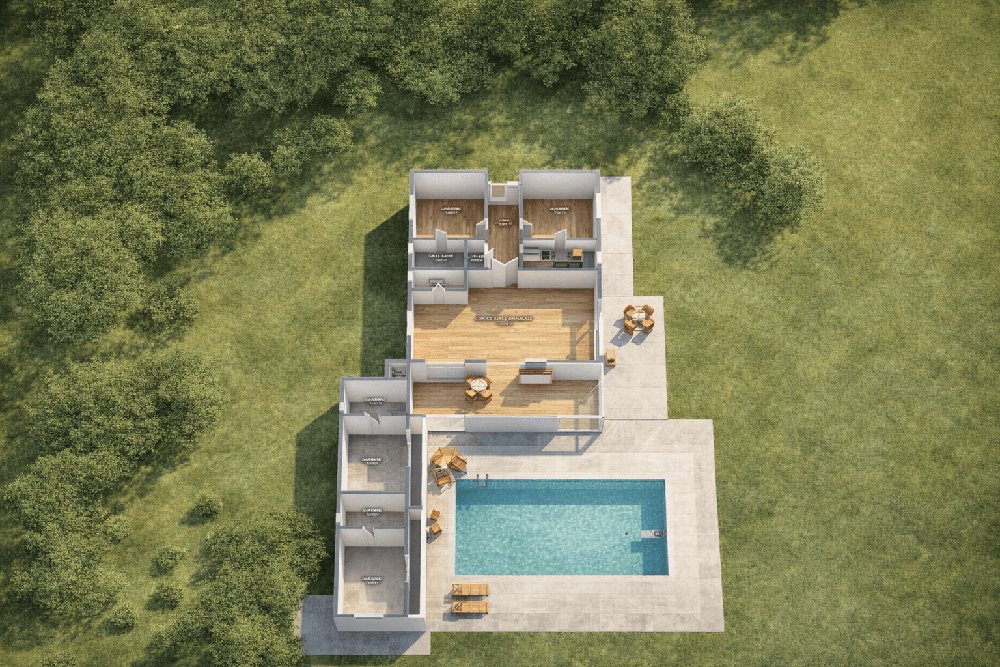
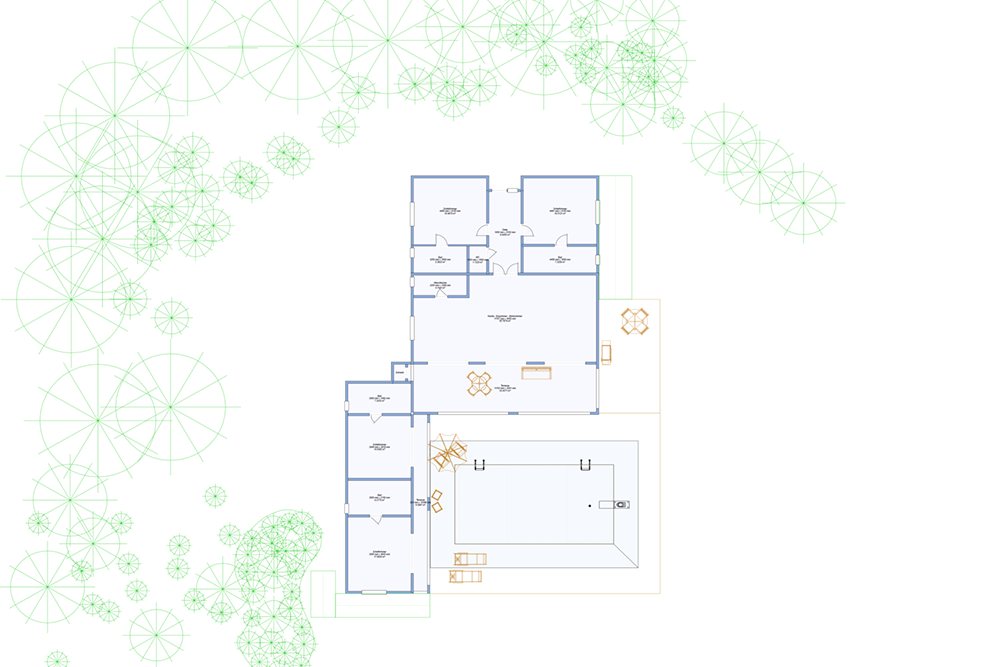
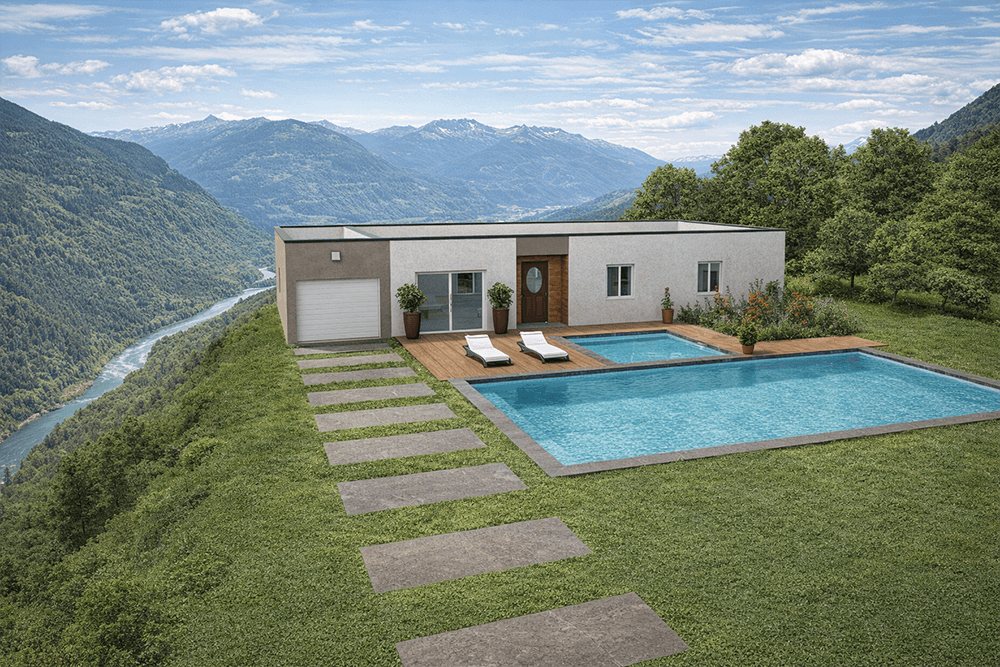
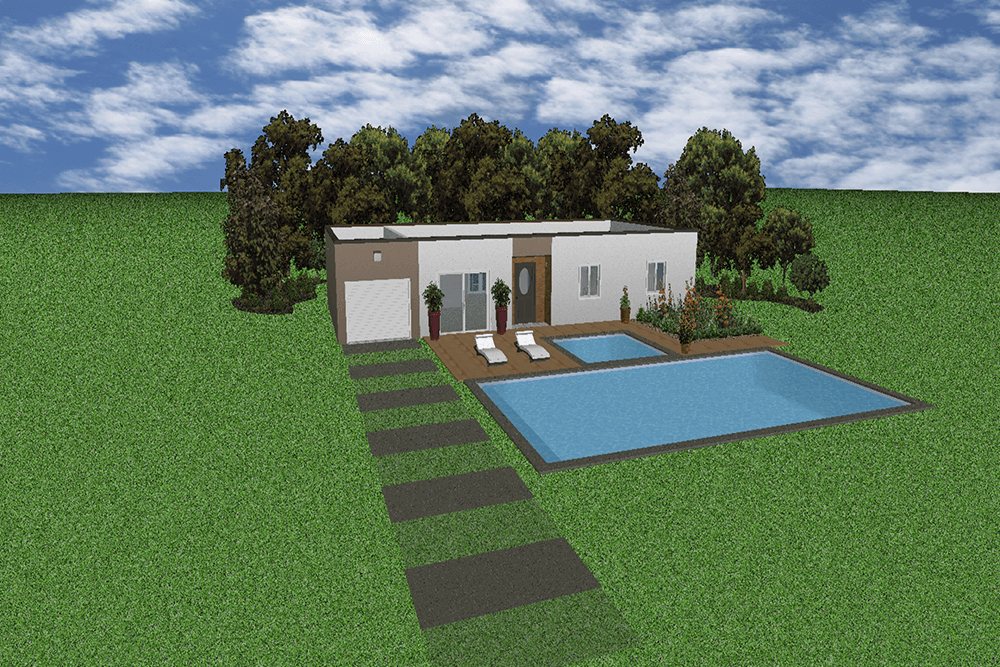
A 2D plan can become a 3D aerial scene, guided by reference images that set the surroundings, the planting and the material language — so a concept feels grounded rather than abstract.
New environments
Test the same house on a residential street, a wooded lot or a mountainside. The architecture stays put; only the context changes.
- Assets on demand Generate new plant assets and custom textures from a text prompt and add them to your material library as you go.
- Ask the product, ask the room Product help draws on the guides and application knowledge; general design prompts explore palettes, layouts and ideas.
What you need
Home Design Copilot is an add-on. It requires an installed copy of ARCHITECT 3D for Windows — Express, Silver, Gold, Platinum or Ultimate — and an internet connection, since generation runs as a service. System requirements are otherwise the same as the main application.
What you receive
This is a download. Your licence key and download link are emailed to you, usually within minutes of the order. Support is at [email protected].
What it produces
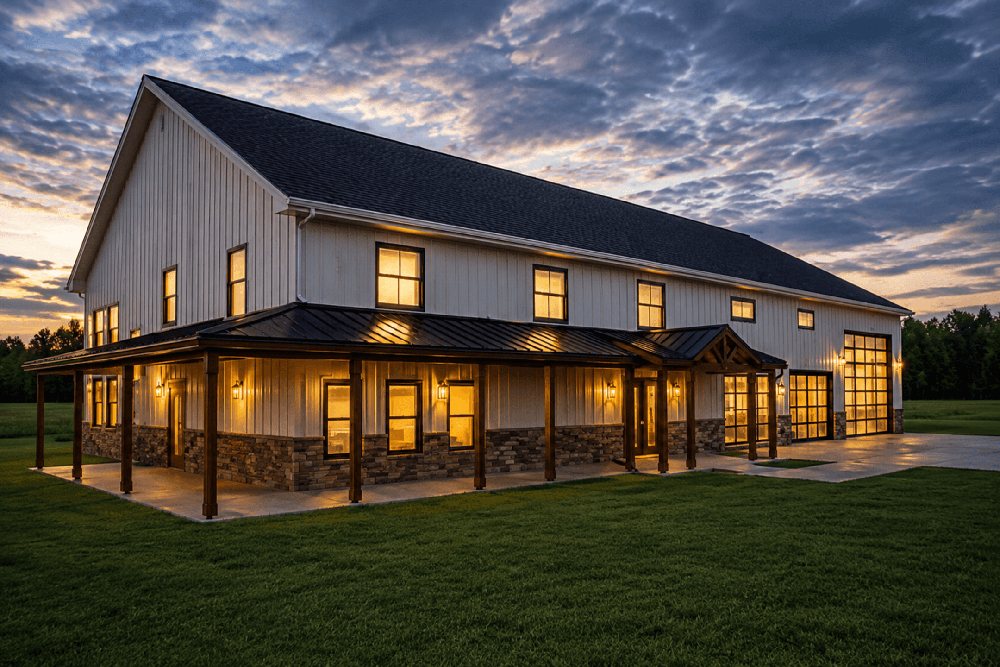
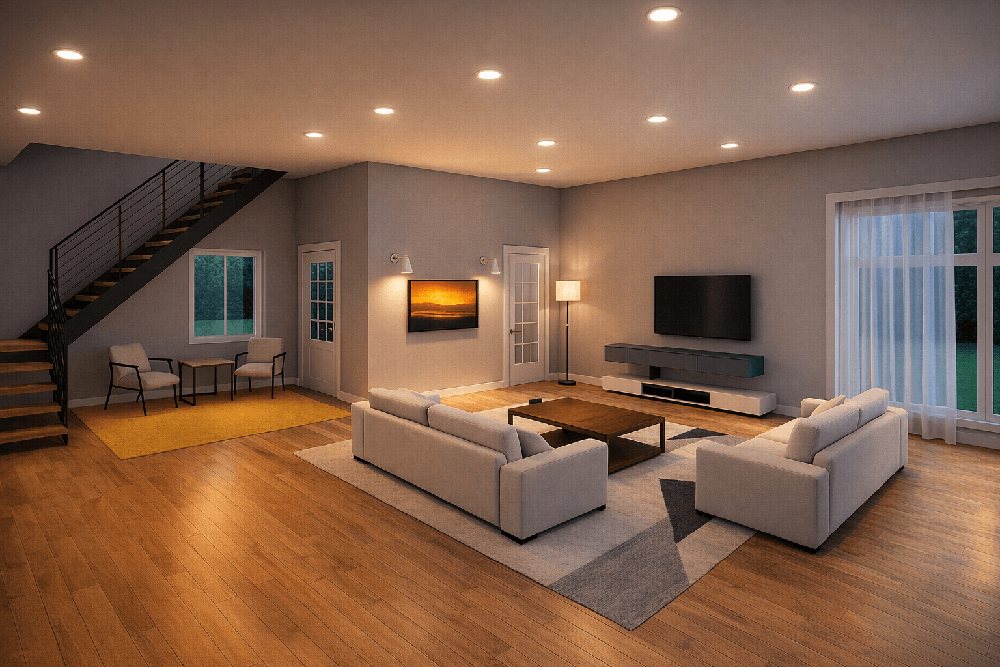
Every image below was made in ARCHITECT 3D — no renders borrowed from another program.
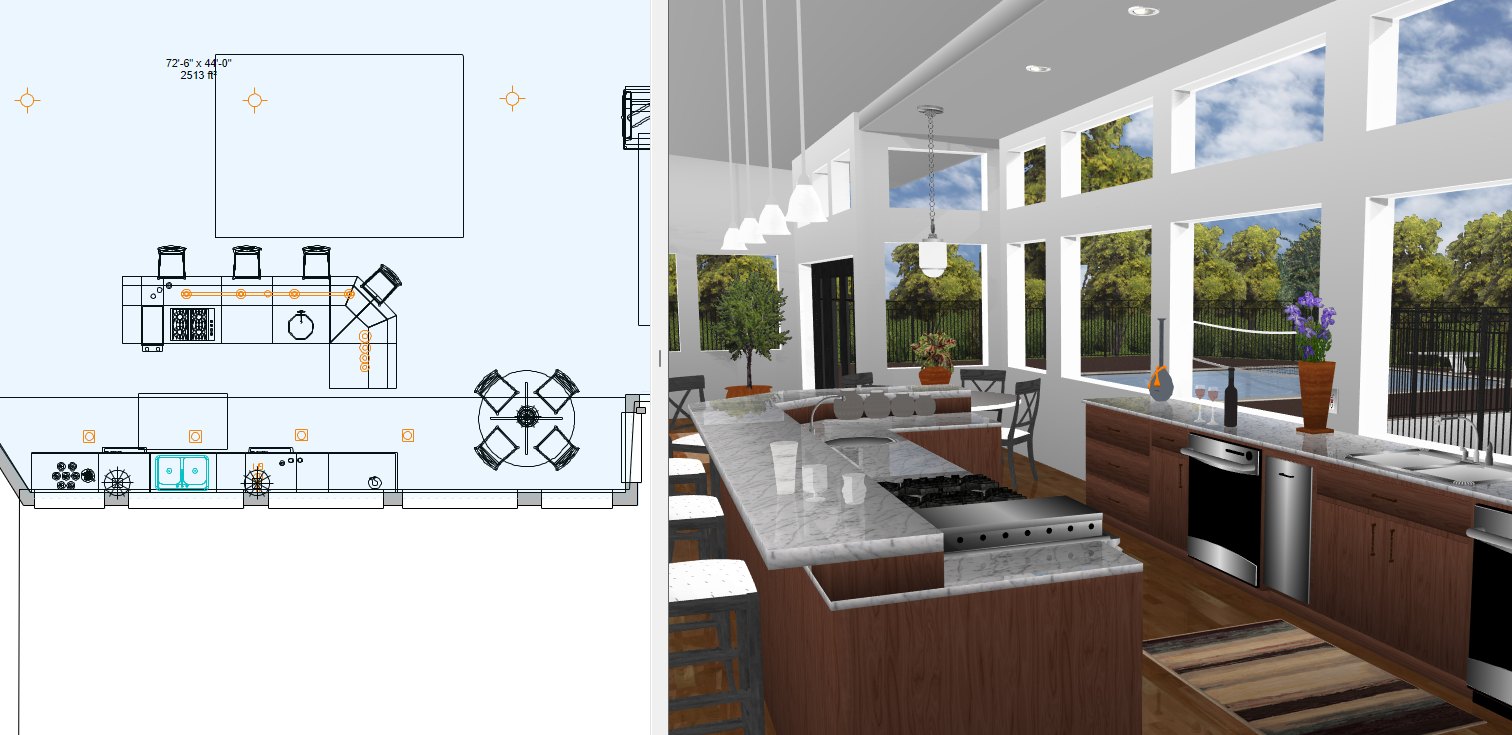
Draw in 2D, check in 3D
Both views stay open and in step. A wall you move on the plan moves in the model at the same moment, so you can see whether the room works instead of imagining it.
- To scale, with dimensions and callouts
- Thousands of objects and 7,500+ materials
- Walk through every room before anything is built
Is this the right edition?
Editions differ on floor count, library size and which planning tools are included. The table sets every line side by side.