


What's new in version 26
Version 26 adds Home Design Copilot, AI-assisted visualisation, a modernised workspace and a considerably better SketchUp import. Everything below is in the release; Copilot needs its own plan.
Home Design Copilot
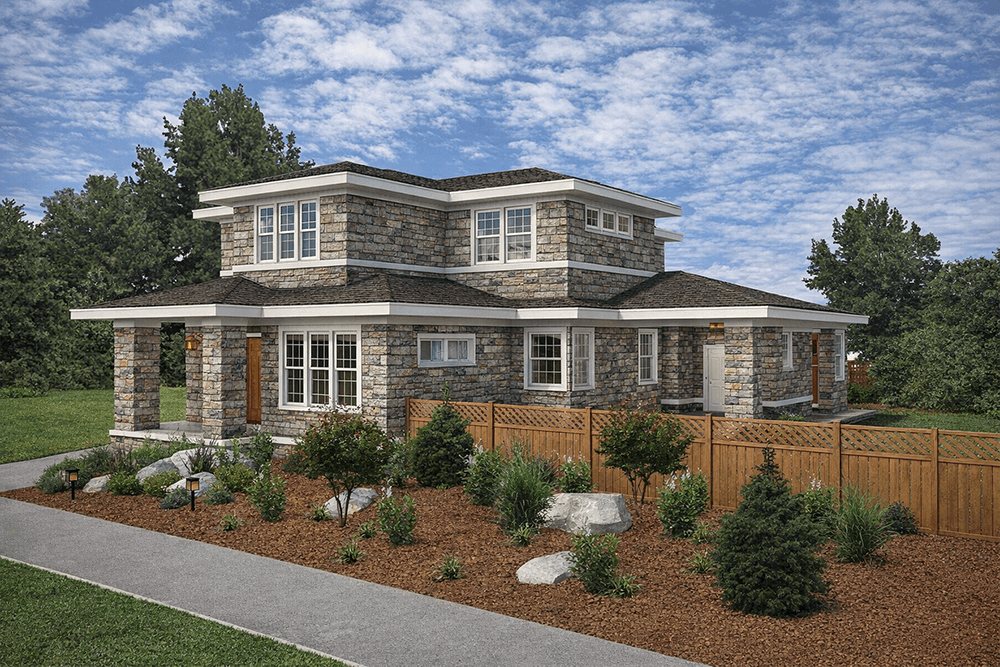
A new AI-assisted workspace for visualisation, image creation, material exploration, plant generation and design guidance. Start from a 2D plan, a 3D view, a rendering, a photograph or a plain-language prompt, then steer the result with reference images, material direction, lighting notes, style cues and a location.
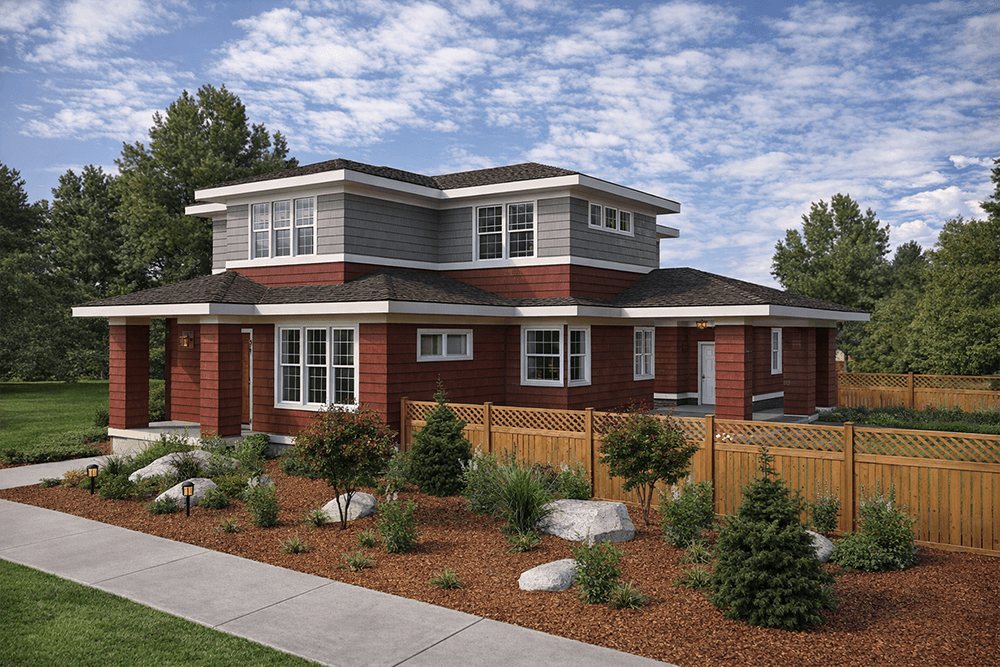
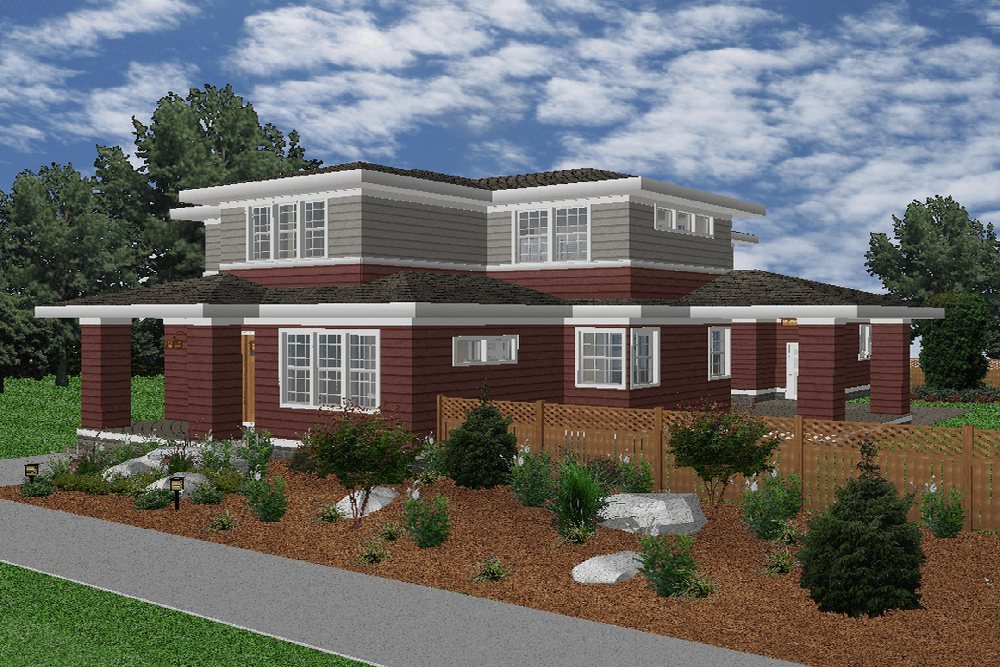
AI-powered rendering and design exploration
Turn a design view into a presentation image while the structure of the model is preserved. Try different lighting, materials and moods without rebuilding the scene — the building you drew stays exactly where you put it.
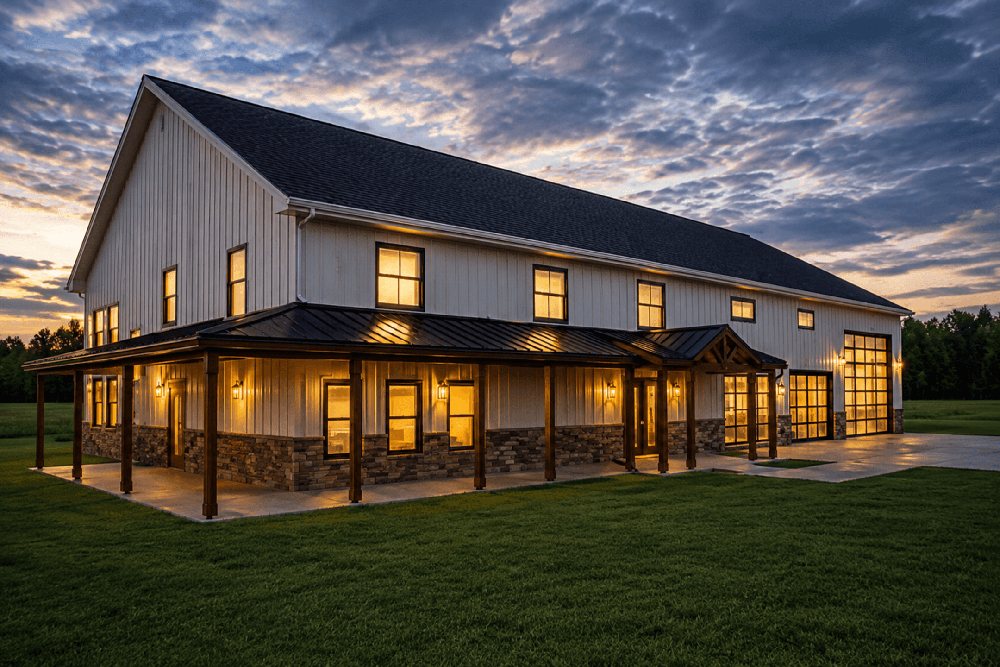
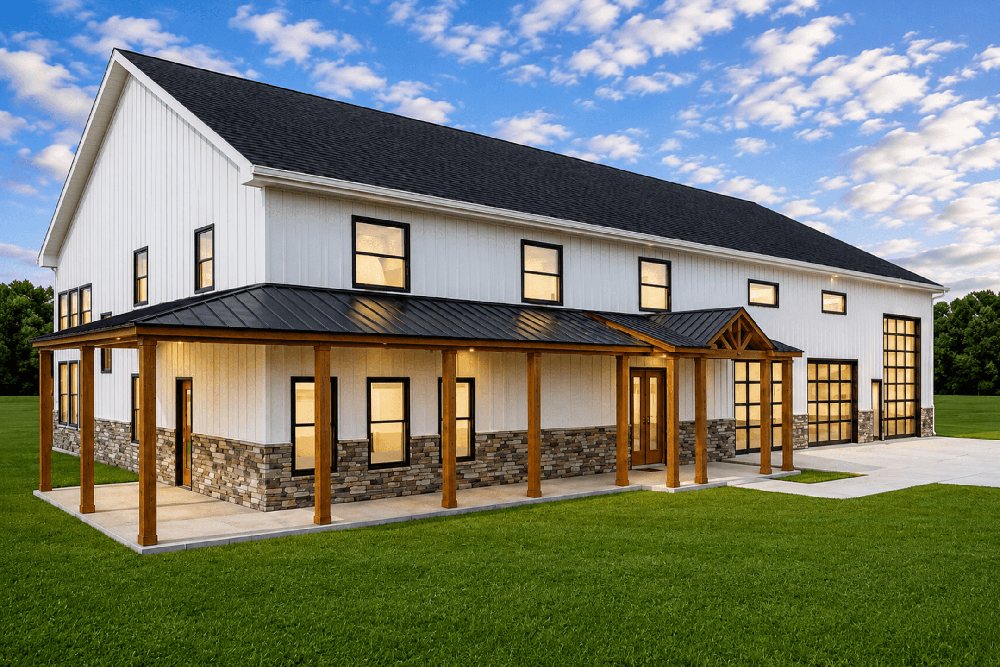
Custom asset generation
Create textures, plants and supporting design elements on demand, then save the results or send them straight to your User Library for the next project.
A modernised workspace
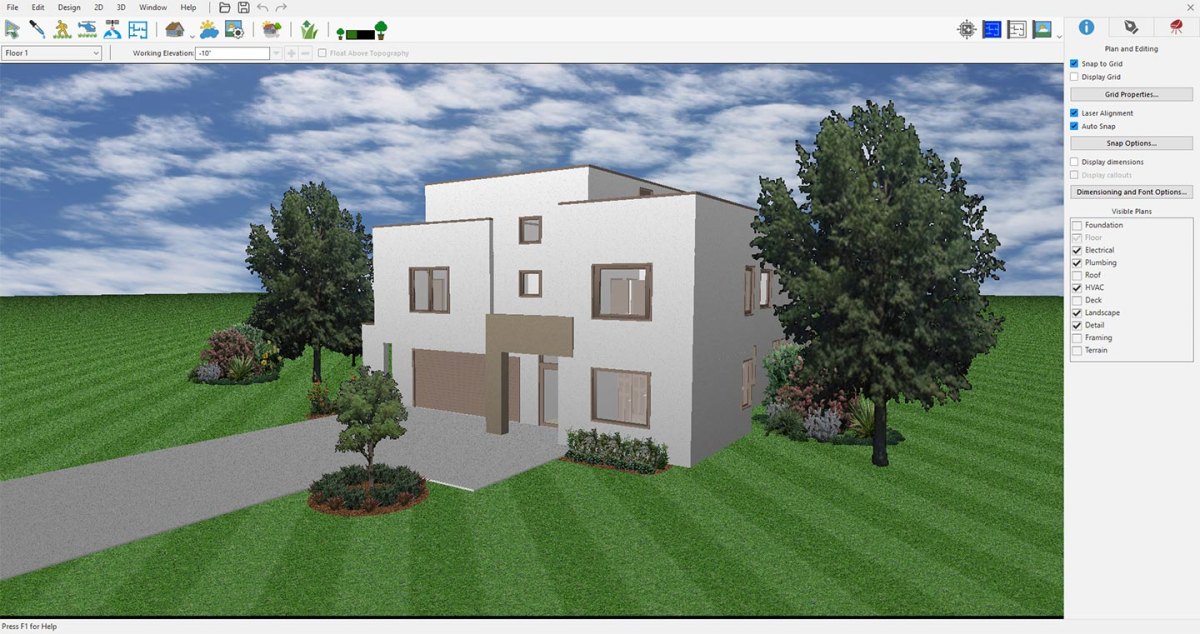
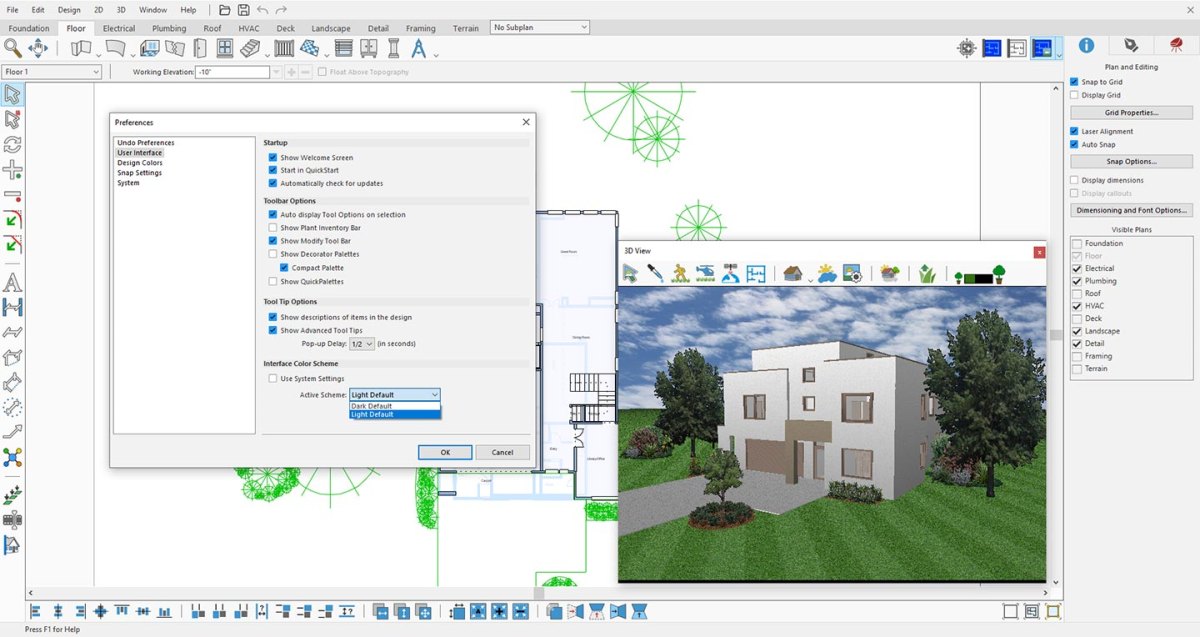
Updated startup and welcome screens, a redesigned menu bar and quick access toolbar, compact and large palette options, improved dark mode and system theme detection — so the program follows the rest of your desktop.
Better SketchUp import
Better LuxCore texture handling, clearer scale and naming controls, visible import progress, organised User Library folders, active subplan assignment, and new split options that turn top-level groups into separate, editable objects instead of one immovable block.
“Version 26 is about giving designers a faster bridge between an idea and a convincing visual. Home Design Copilot adds AI-assisted rendering, material exploration and custom asset generation directly inside the workflow, so users can test more directions with less interruption.”
Syed Gilani, President, IMSI Design
Availability
Copilot is an add-on, new in version 26 and available for every edition. Using it requires a Copilot term licence, which carries a monthly credit allowance for AI-based visualisation, asset generation and design guidance.